Switch on Business mode
How to use Kibble for your freelance or small business, personal budget, or both, and how business money stays separate.
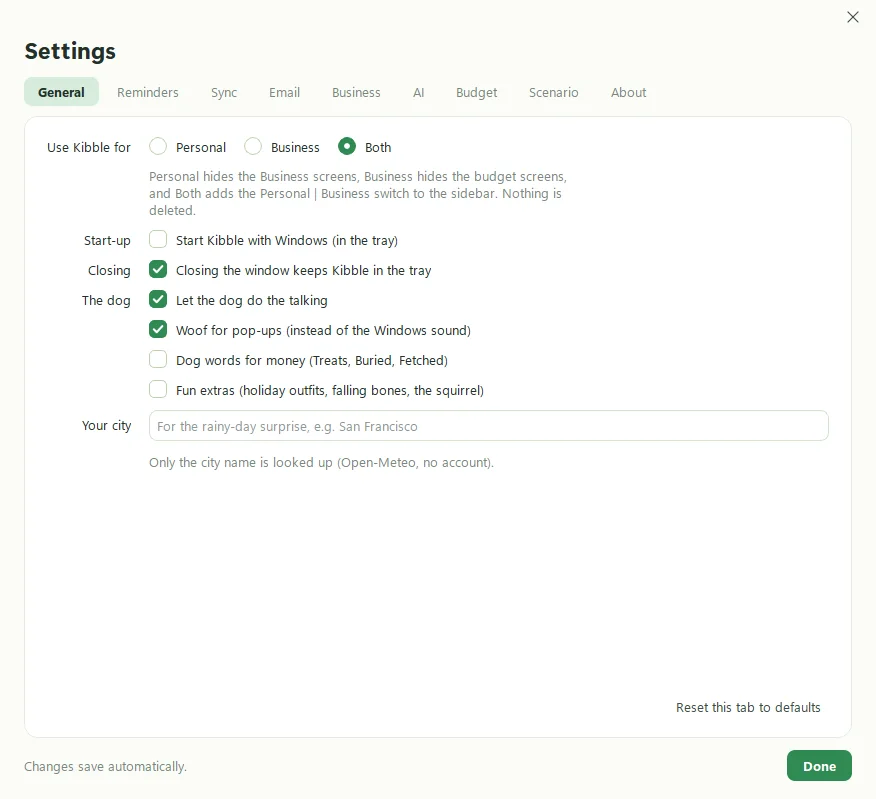
Kibble can mind your personal budget, your business books, or both. Setup asks which. To change it later, open Settings > General. With Both, a Personal | Business switch appears at the top of the sidebar, and the two sides are kept fully separate. Business money never touches your budget.
What does each choice do?
| Choice | What you see |
|---|---|
| Personal | Home, Inbox, Budget, Reports, Scheduled, Scenario and your accounts. Business screens are hidden. |
| Business | Dashboard, Time, Invoices, Clients, Expenses, Taxes, Reports and the Inbox. Budget screens are hidden. |
| Both | Everything, with the Personal | Business switch. The Inbox asks whether each item is personal or business. |
What’s on the Business side?
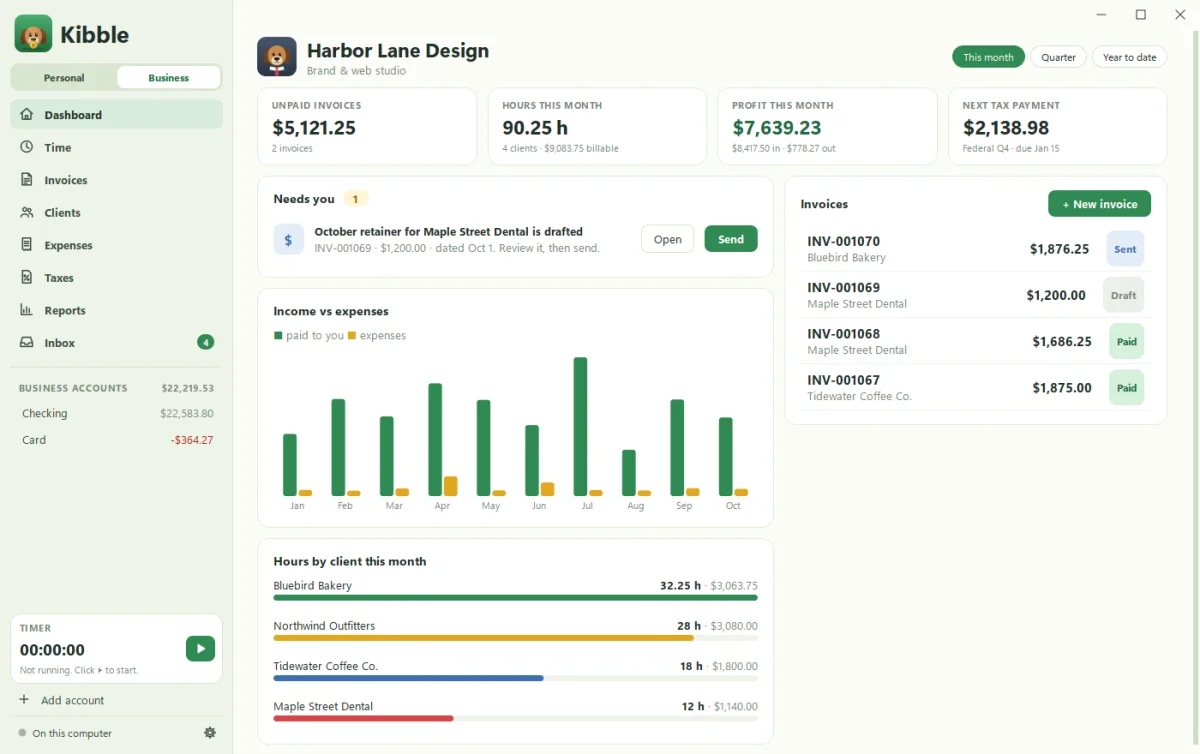
- Dashboard: what’s outstanding and paid, hours, profit, the next tax payment, and a Needs you list.
- Time: start a timer, add time by hand, or import from Clockify (see Import time from Clockify).
- Invoices: PDF invoices and estimates sent from your Gmail (see Send your first invoice).
- Clients: rates, projects and planned hours.
- Expenses: business spending by Schedule C line, plus mileage and statement import.
- Taxes: quarterly estimates, home office, 1099s and the year-end ZIP.
- Reports.
How do I set up my business?
Setup’s Your business step asks for the details that print on invoices. You can skip it and finish later in Settings > Business:
- Your logo (PNG, JPG or SVG; square works best) and business details
- Your name, which signs invoice emails
- The Gmail address invoices are sent from, and its app password
- Default terms (Net 30) and hourly rate, and invoice numbering
- The tax estimate rate and the mileage rate
Already have books somewhere else?
Bring them in. Kibble imports clients, projects, invoices, time, expenses and mileage from spreadsheets, QuickBooks, FreshBooks, Wave, Harvest and Toggl. See Import from QuickBooks.
Personal or business: which side does the Inbox use?
With Both, every Inbox item has a Personal | Business switch. Business items go to your business Checking or Card with a Schedule C line, and Kibble remembers the choice for each payee. Good dog.
Questions people ask
Will business expenses mess up my personal budget?
No. The Business side has its own Checking and Card accounts that never touch the personal budget.
Can I use Kibble only for my business?
Yes. Choose Business and the budget screens are hidden entirely.
Does Kibble file my taxes?
No. It estimates quarterly taxes, tracks 1099s and deductions, and gives you a year-end package for your accountant.
Still scratching your head?
Send us a note and a real person will get back to you.