Hunter for new grads
Turn class projects and internships into a real resume, find entry-level roles, and walk into your first interviews prepared.

Your first real job search is a lot: a thin resume, hundreds of postings, and interviews you’ve never done before. Hunter helps you build the resume, find entry-level roles that fit, keep track of every application, and practice interviews until they stop feeling scary.
A resume from what you’ve actually done
You have more experience than you think. Add your class projects, internships, part-time jobs, clubs and volunteering to Hunter’s experience bank, by file, rough notes or by voice. Hunter organizes it and asks follow-up questions like “how many users?” or “how much faster?” to find the numbers that make a resume stand out. See Build your experience bank.
For each job, Hunter writes a tailored resume from that bank, never inventing anything, and highlights every reworded line for you to check.
Find roles that fit
Set your titles and choose entry-level seniority, plus work style, locations and a salary floor. Hunter searches company career sites and job boards like Remotive, We Work Remotely and Hacker News “Who’s hiring” on a schedule, merges duplicates, and scores each job against your experience. See Run your first hunt.
Keep track without a spreadsheet
Every application lands on the Applications page, as a list or a board by stage. Connect Gmail and Calendar, and replies, interview invites and offers update each application by themselves. Quiet ones move to Archived after 30 days and come back if a new email arrives.
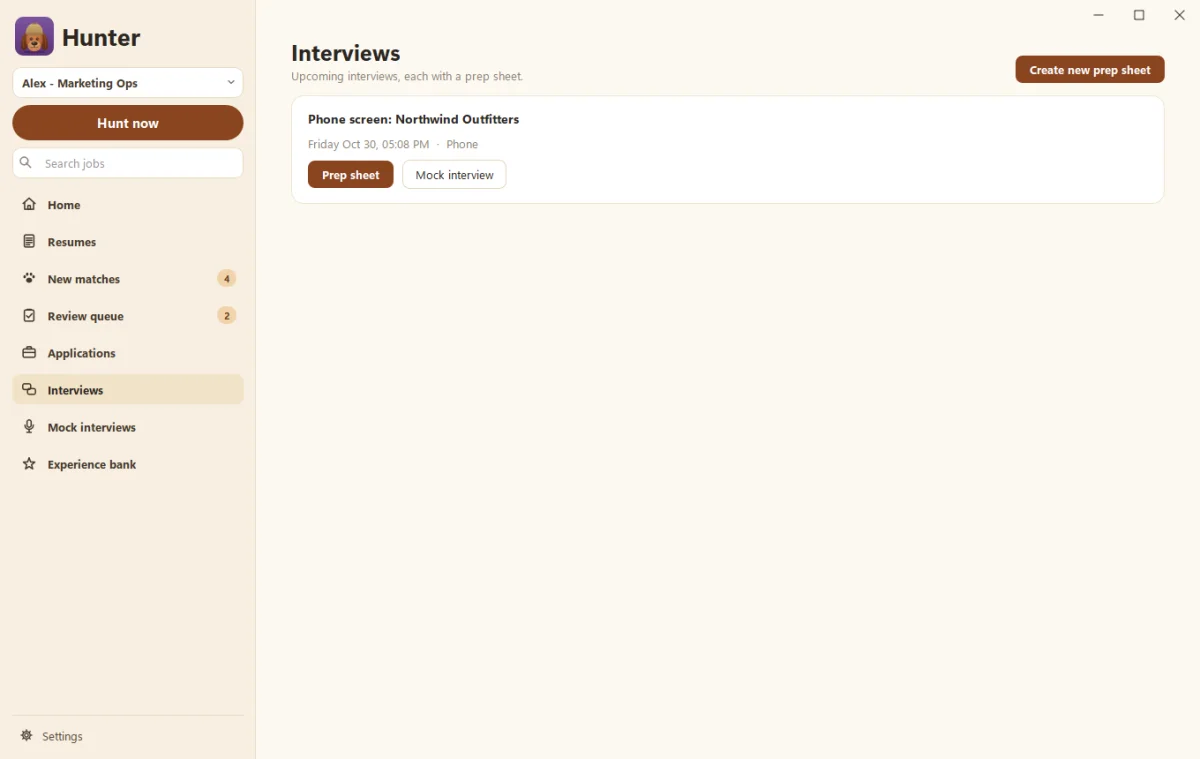
Practice your first interviews
The first few interviews are always the hardest. Hunter’s prep sheets list likely questions for the role, your best stories, and smart questions to ask. Then mock interviews let you practice with an AI interviewer, typing or speaking your answers, with feedback on pace and filler words. Start with How to answer “Tell me about yourself” and the STAR method.
Quality over quantity
Sending hundreds of generic applications rarely works, and recruiters notice. Hunter starts in practice mode and never submits until you say so. When you’re ready, it can submit only strong matches, up to a daily limit you choose. Everything else waits for your review.
What it costs
Hunter is free during early access, on Windows 10 and 11. It uses your own Claude or ChatGPT plan. If you don’t have one yet, you’ll need one to use Hunter’s writing and scoring.
Questions people ask
I don't have much experience. Will Hunter still work?
Yes. Add class projects, internships, part-time jobs, clubs and volunteering to your experience bank. Hunter asks follow-up questions to find the results and numbers in them.
Will Hunter apply to hundreds of jobs for me?
Not unless you want it to, and we wouldn't suggest it. It starts in practice mode, never submitting on its own, and automatic submits have a daily limit you set, 10 by default.
Can it help with interviews?
Yes. Make a prep sheet for each interview, and practice with mock interviews, typed or out loud, with a scorecard at the end.
Still scratching your head?
Send us a note and a real person will get back to you.