Monthly retainers
How to bill a monthly retainer in Kibble, with the invoice drafted on the 1st and, if you choose, sent automatically without review.
For clients who pay a fixed amount every month, make the project a Monthly retainer. Kibble then drafts the invoice on the 1st of each month and adds it to Needs you for a quick review. If you trust it completely, you can let it send without review, and Kibble emails it on the 1st by itself.
How do I set up a retainer?
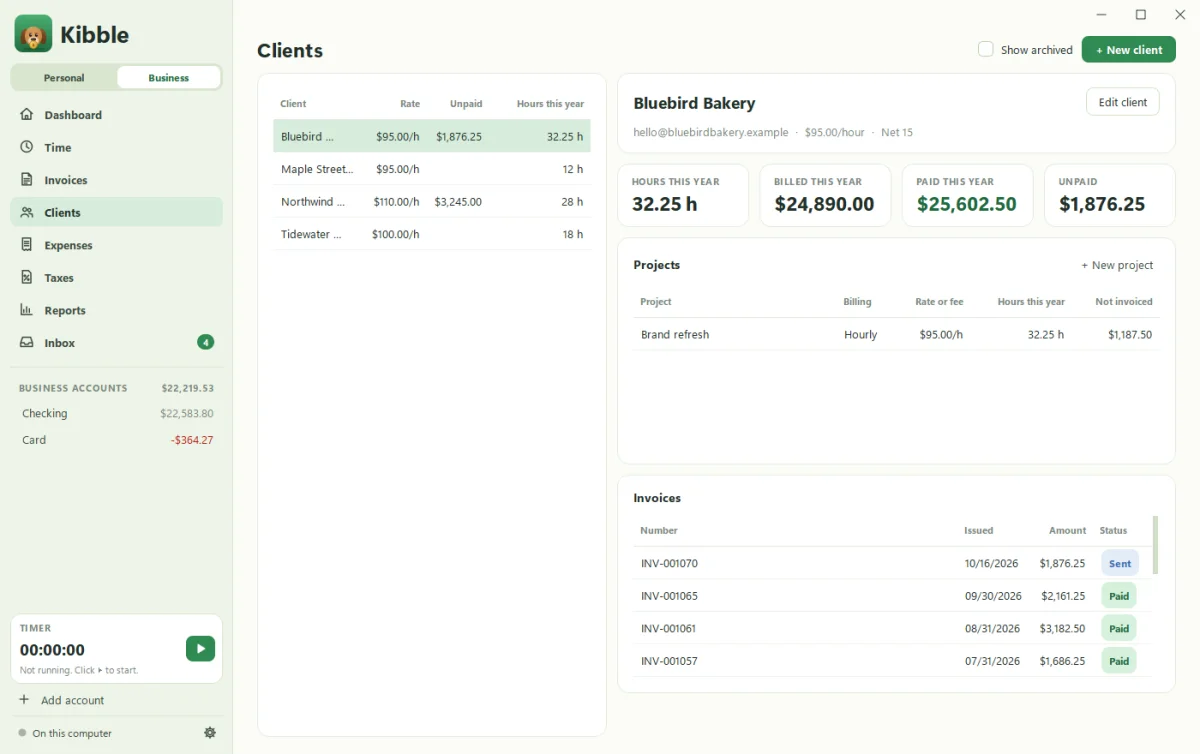
- Open Clients and pick the client, or add one with + New client.
- Add or edit a project with + New project.
- Set Billing to Monthly retainer and enter the monthly amount under Fee.
- Under Each month, leave Draft the invoice on the 1st ticked.
- Tick Send it automatically (no review) only if you want it to go out on its own.
Projects can also be billed Hourly or as a Fixed fee.
What happens on the 1st?
- With review (the default): the invoice is drafted and appears in Needs you on the Dashboard, plus a one-time pop-up. Open it, check it, send it.
- Without review: Kibble sends it from your Gmail with the PDF attached, no clicks needed.
How does Kibble send on the 1st if it’s closed?
Gmail doesn’t let other apps schedule emails, so Kibble sets up a small monthly Windows task named Kibble\Monthly retainers. At 9 AM on the 1st, it opens Kibble quietly in the background to send. If the computer was off, anything missed goes out the next time Kibble opens. Your client gets billed either way. Very loyal.
How do I see what’s been billed?
Every retainer invoice appears on Invoices, like any other. Filter by Unpaid to see what’s still out. If a retainer runs late, late payment reminders kick in as usual.
What if a month needs extra work?
Add a one-off invoice for the extra hours or a fixed fee (see Send your first invoice), or add lines to that month’s draft before you send it.
Questions people ask
What if my computer is off on the 1st?
The invoice goes out the next time Kibble opens. Nothing is skipped.
Can I review retainer invoices before they go out?
Yes, and that's the default. Automatic sending is something you turn on per project.
Still scratching your head?
Send us a note and a real person will get back to you.